How to Listen to Your Own Notes, Drafts, and Pasted Text
Readox can read pasted or typed text directly in the sidepanel, which is useful for your own notes, AI-generated notes, GitHub snippets, markdown drafts, copied passages, and other working text.
Not every useful thing you want to hear is a web page.
Sometimes it is your own notes. Sometimes it is sitting in your clipboard. Sometimes it came out of ChatGPT, Claude, or another AI tool. Sometimes it is part of a README, a markdown draft, a set of notes from a meeting, or a cleaned-up summary of something you originally found on the web.
Direct text input handles that gap. Instead of forcing everything through page extraction or file upload, Readox lets you paste or type text directly into the sidepanel and read it immediately. A lot of modern reading workflows now produce intermediate text, not finished pages.
If the text already lives in a .txt or Markdown file, text file support is the cleaner path. This page is about the text that is still in your clipboard, still being edited, or not worth turning into a file yet.
Use this when the text matters more than the source
If you copied a useful paragraph out of a messy page, got a clean summary back from an AI tool, or want to hear part of a README without listening to the whole repo page, direct text input is usually the faster path.
If the text already lives in a real file, open the file instead.
The problem this feature actually solves
Most read-aloud tools assume the source material is either a live web page or a supported file. But a lot of the text people actually work with every day fits neither category. It is an AI-generated summary of a long article, notes copied out of a GitHub README, a markdown draft still being edited, a rewritten section of documentation, bullet points from a meeting, or a few paragraphs from Slack, email, or a research tool. That text is still worth hearing. It just is not attached to a clean reading surface anymore.
Why this matters more now that AI tools sit in the middle
AI tools increasingly act like reading layers. People ask them to summarize pages, pull out key points from documentation, compare sources, clean up notes, and rewrite rough text into something more structured. The result is often easier to review than the original source, but it usually comes back as raw text or Markdown in a chat window. That creates an awkward gap. The source material may have started on the web, but the thing you actually want to hear is now the AI’s output.
If that output is from ChatGPT, Claude, or Gemini specifically, listening to ChatGPT, Claude, and Gemini responses covers that workflow with platform-specific notes.
Direct text input closes that gap. You can take the output of an AI workflow and listen to it immediately without needing to publish it somewhere, save it as a file first, or go back to the original page.
Where this shows up in normal work
This is especially useful with AI-generated research notes, GitHub snippets and copied README sections, markdown drafts, rough outlines, cleaned-up excerpts from messy pages, and copied passages you want to save without keeping the whole page. In all of those cases, the useful unit is the text itself, not the container it came from.
How it works in Readox
Paste text straight into the sidepanel
If you paste plain text into the sidepanel while you are not editing inside the text box, Readox can take that pasted text and start reading it right away.
This is the fastest path when you already have something in your clipboard and just want to hear it.
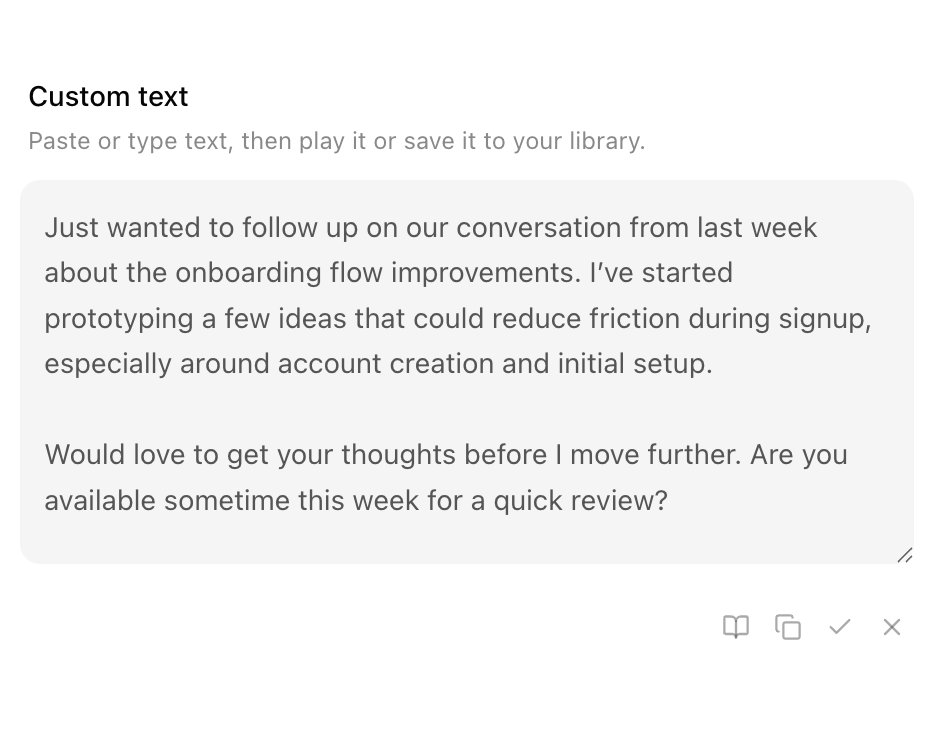
Type or edit text in the custom text area
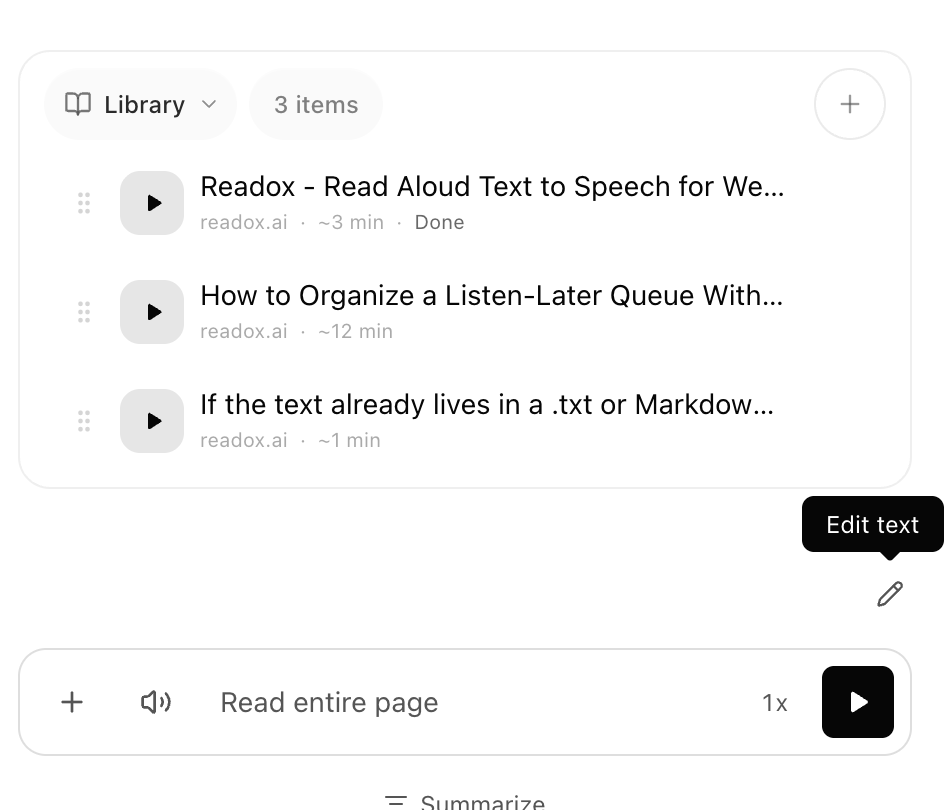
Readox also has a custom text view in the sidepanel where you can type or paste text manually, edit it, and then play it. That is useful when you want to clean up the text first, combine text from multiple places, trim something down before listening, or save the final version to your library. Once the text is there, it behaves like other Readox content: you can play it, copy it, edit it, clear it, and save it into your library collections if you want it to become part of a larger queue.
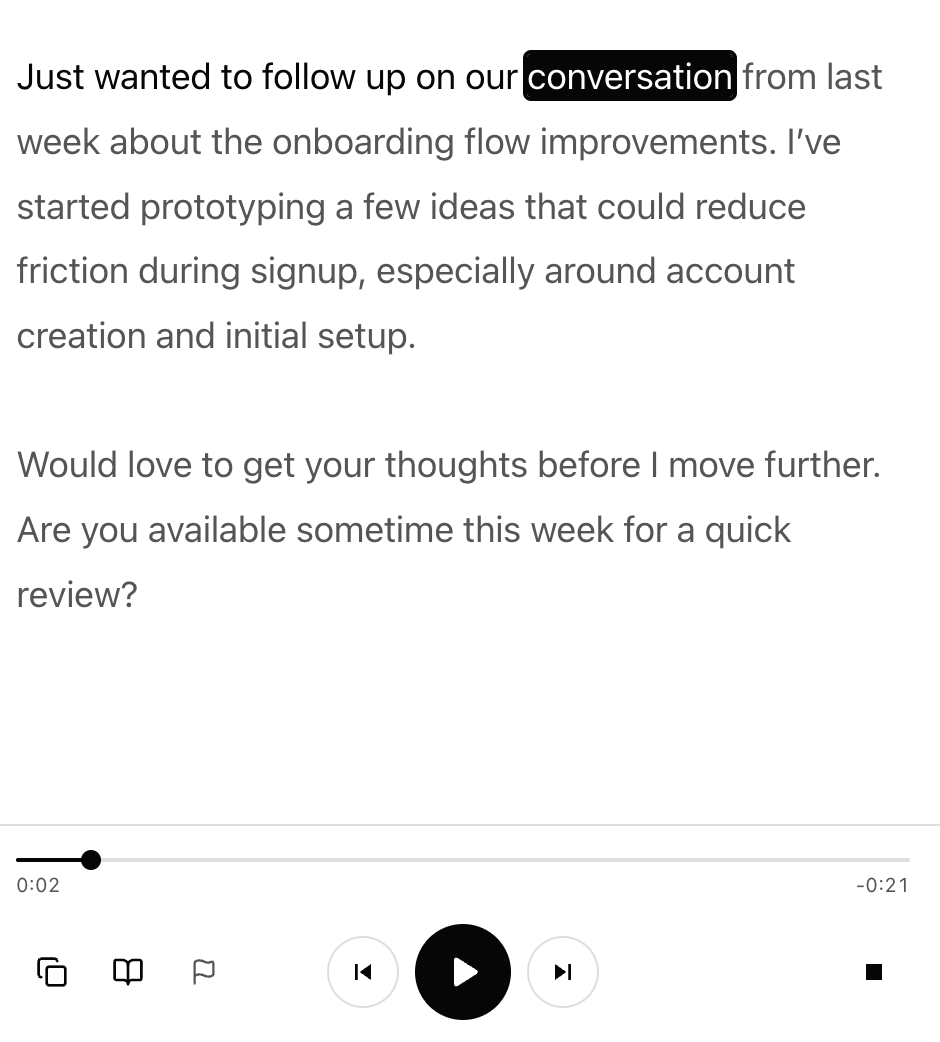
Once you hit play, Readox reads the text with word-level highlighting, the same as any other content.
Why this is better than just pasting into another document
You could always paste text into a note, save a temp file, or send it somewhere else first. But that adds friction at exactly the moment when the text is most useful.
Direct text input is better because it lets you stay in the lightweight phase of the workflow. You copied a useful block of text, you want to hear it, you might want to edit it, and you might want to save it. No extra document management. No fake file creation.
A few concrete examples
GitHub and READMEs
Sometimes you do not want an entire repo page read aloud. You want the installation steps, a troubleshooting section, or a short explanation copied out of the README. Pasting that section directly is cleaner than listening through the whole page.
Markdown notes and drafts
Drafts and notes are often incomplete. You may want to hear a section back while writing, or listen to notes in a separate review pass before they are polished enough to publish or file away anywhere else.
AI-generated research
An AI tool might read three sources, compare them, and turn them into a short memo. That memo is often the thing you actually need to review. Direct text input lets Readox treat that output as first-class listening material.
Copied passages from messy pages
Sometimes the original page is full of clutter, comments, ads, or irrelevant sections. If you only care about the useful paragraph you copied out of it, direct text input is the more precise path.
Why this fits the larger Readox direction
If Readox is only good at reading the current page, it stays narrow. Once it can also read files, copied selections, pasted notes, AI-generated text, and rough drafts, it starts becoming a broader listening layer for written material in general.
This is not about manual input for its own sake. It helps when the useful text no longer lives on a clean page. And once that text is worth keeping, it can live in the same library collection as saved pages, summaries, and PDFs instead of sitting in a one-off scratchpad.
A simple way to think about it
Page reading is for source material.
Direct text input is for working text.
That includes the things you copied, condensed, rewrote, or generated on the way to understanding something. Very often, that is the text people most want to hear.
If you want to go one step further and turn that working text into repeatable listening sequences, saved text routines is the next layer.
Read aloud web pages and PDFs with free premium English and Spanish voices that run on your device.
Related Reading
More guides that connect to this workflow.
How to Listen to ChatGPT, Claude, and Gemini Responses
ChatGPT, Claude, and Gemini all speak responses, but differently. When Readox is the better fit for shortcuts, cleanup, or listen-later.
How to Turn Saved Text Into Listening Routines for Study, Language Learning, and More
Readox is not just for one-off pasted text. You can turn saved text into repeatable listening routines for affirmations, language drills, study review, and AI-generated practice material.
How to Organize a Listen-Later Queue With Library Collections
Readox collections are playlist-like queues for articles, PDFs, selections, summaries, and saved text, with duration, progress, reordering, resume, and continuous playback.